Use Kleinkram Actions
Kleinkram Actions are powerful tools that allow you to process, verify, and analyze your data directly within your Kleinkram instance using hosted action runners. Kleinkram Actions can automate tasks such as data validation, format conversion, and metadata extraction.
Core Concepts of Kleinkram Actions
- Action Template: This is the definition or blueprint of an action. It includes the Docker image to run, the default command, resource limits (CPU/Memory), and access rights. You create a template once and can reuse it many times. -> Learn more.
- Action Execution: This is a specific instance of an action running on a specific mission scope. When you click the "Play" button on a template, you create an execution. Each execution has its own logs, status, and output artifacts. -> Learn more.
- Action Trigger: Action triggers allow you to automate the execution of your actions based on specific events or schedules. -> Learn more.
Launch Actions via Web Interface
Actions can be configured and launched directly within the Kleinkram web interface. For that you must navigate to the "Actions" page in the main menu.
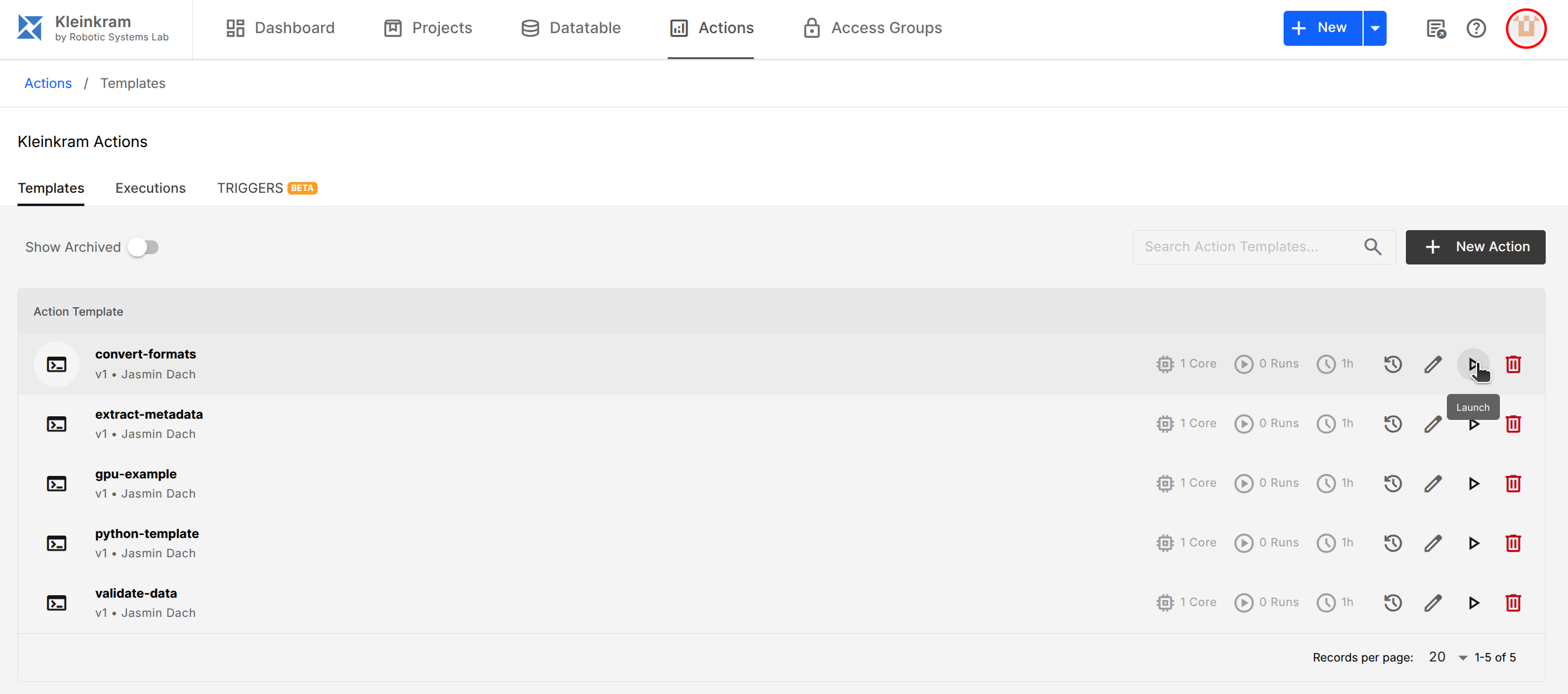
In the "Templates" tab, you will see a list of available Action Templates. To launch an action simply click on the play icon, which opens a side panel where you can select the scope of the action execution and confirm the launch.
Actions are executed within the context of a specific mission or project. The action will have access to all files within that mission. For your convenience, you can also access files of other missions within the same project.
Actions are queued and executed on hosted action runners within your Kleinkram instance. You can monitor the progress of your actions in the "Executions" tab.
Action Templates
Action Templates define the behavior of an action, including the Docker image to use, resource limits, and default entrypoint/command. You can create your own custom action templates or use the provided example actions.
How to Create Custom Action Templates
Please refer to the Writing Custom Actions guide for detailed instructions on creating your own action templates. By default, Kleinkram comes with several pre-defined action templates that you can use out of the box to try out the functionality of the Kleinkram Actions system.
Version Control for Action Templates
Action Templates are version-controlled. When you create or modify an action template, a new version is created. This allows you to track changes over time and revert to previous versions if needed. Each execution of an action is tied to a specific version of the template, ensuring consistency and reproducibility.
TIP
We recommend using version tags while specifying Docker images in your action templates. This ensures that your actions are always reproducible and not affected by changes in the latest image. E.g., use python:3.10-slim instead of python:latest.
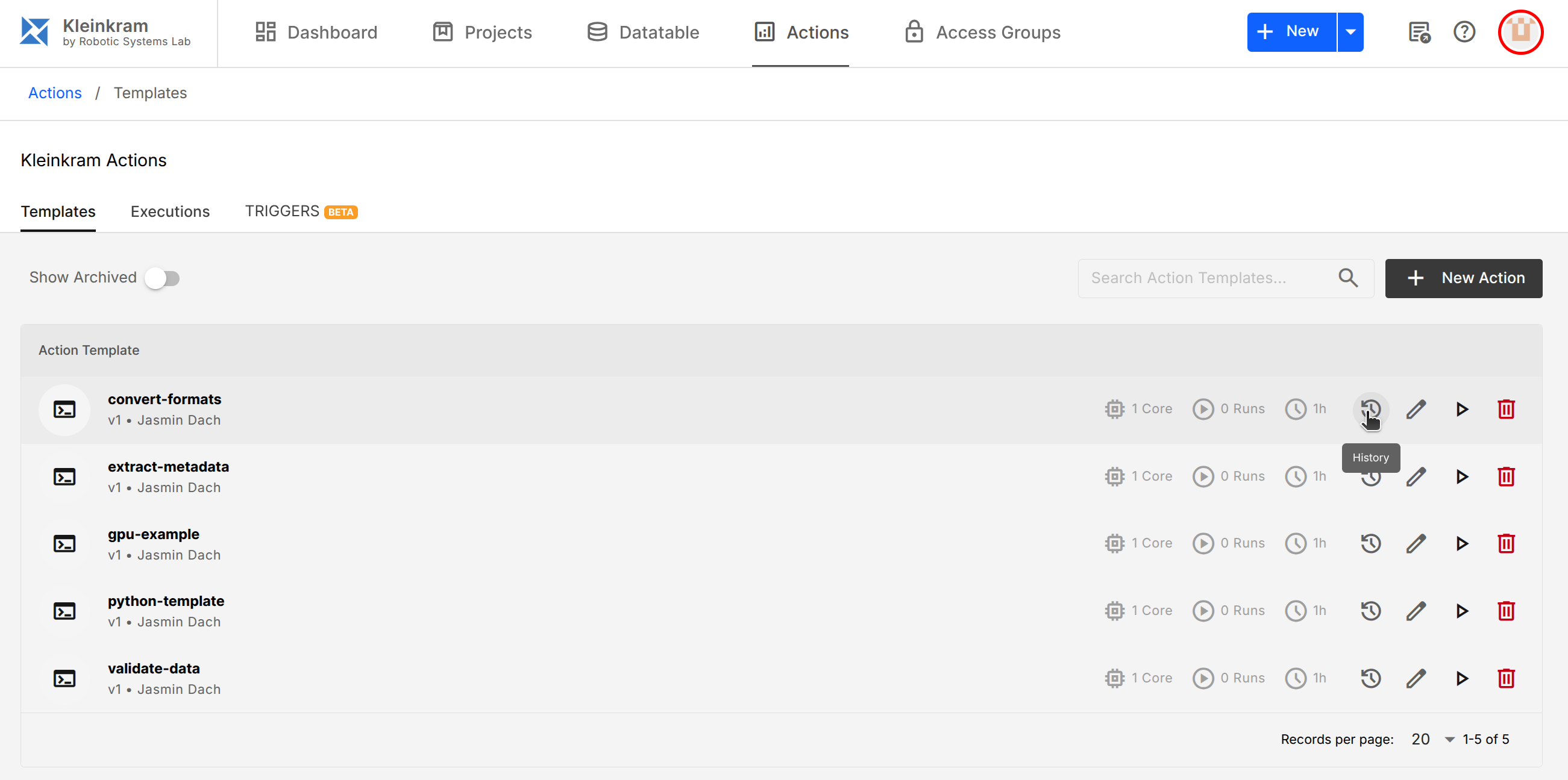
Versions of an action template can be viewed by clicking on the version icon next to the action name in the action template list:
Automating Actions using Action Triggers
You can automate action execution using Triggers. Triggers can schedule actions (Cron), run them on external events (Webhook), or react to file uploads (File Pattern). Learn more in the Action Triggers guide.
Action Execution
Actions are executed as isolated docker containers on hosted action runners. When you launch an action, the following steps occur behind the scenes:
- The action is queued for execution.
- When a runner is available, the action starts executing. During execution:
- The specified Docker image is pulled (if not already cached on the runner).
- The action's container is started with the defined resource limits (CPU, Memory).
- The action's entrypoint/command is executed.
- Any output files placed in
/outare saved as artifacts. - The action's state is updated based on the exit code of the container, and its severity from the exit code together with anything the action reported while it ran (-> Action Outcome).
- Logs, findings and artifacts are made available for download.
Reading the Result
An execution carries a state and a severity, and they answer different questions. The state says whether the run reached the end; the severity says what it found on the way.
An action that completes its work but notices something worth flagging shows up in amber as DONE · 3 findings, not in red. Open the execution to see a What this action reported panel listing every finding, grouped by message, with the file each one is about.
A failed execution also says who is responsible. FAILED · system means Kleinkram could not run the action — a runner restart or an infrastructure problem — and is safe to run again. A plain FAILED points at the action or its template.
Action authors raise these findings with klein action warn; see Raising Warnings.
Artifacts and Output Files
Actions can generate output files, such as reports, converted data, or logs. These files are stored as "Artifacts" and can be downloaded from the action execution page.
Artifact Retention Policy
Artifacts are kept for 3 months (90 days) before being automatically deleted by the system.
Audit Logs
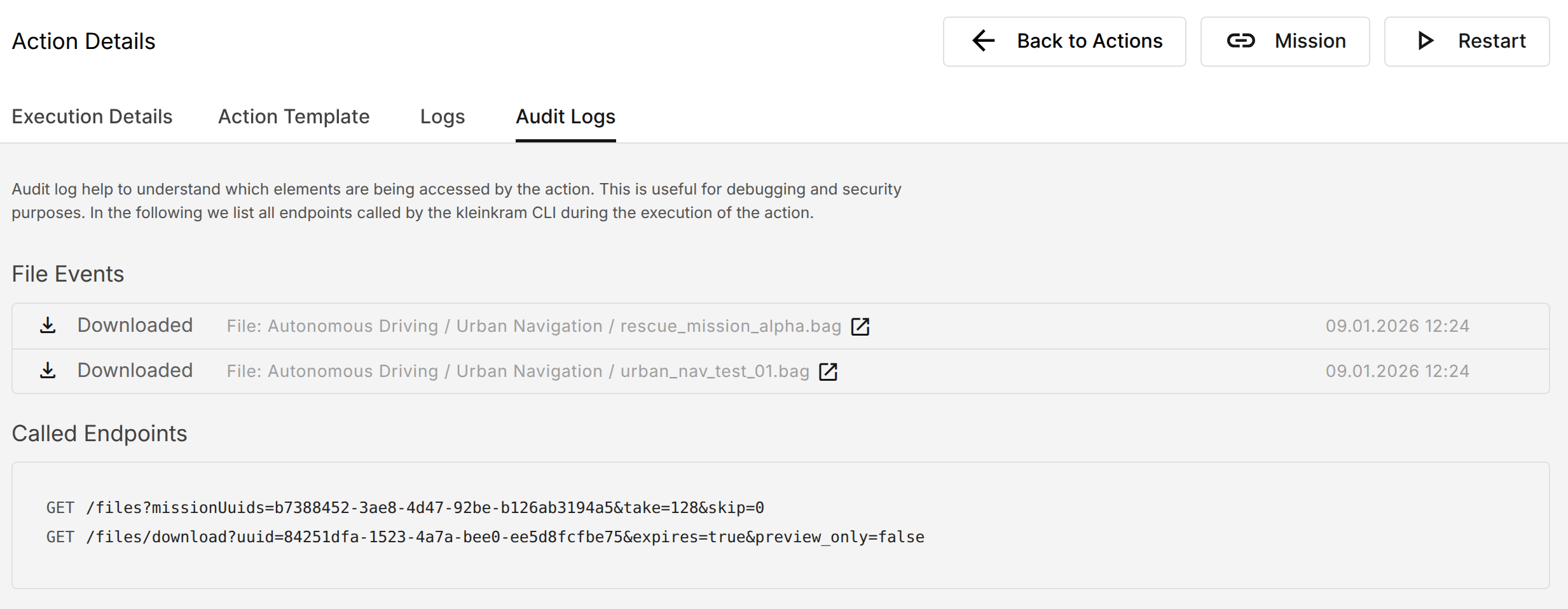
All action executions generate detailed audit logs that capture every file operation performed during the action's lifecycle, including file uploads, and downloads. Audit logs provide transparency and help with debugging.