Welcome to Kleinkram
Kleinkram is an open-source, self-hosted platform for managing and processing robotics data. It provides a structured way to store, organize, and act on your data, ensuring that your valuable field logs and datasets are never lost and always accessible.
What can I use Kleinkram for?
- Organize: Keep your data structured in a strict hierarchy of Projects and Missions.
- Store: Securely store large robotics files like
.bag,.mcap, and.svo2. - Process: Run automated actions to validate, convert, and analyze your data using Docker.
- Collaborate: Share data easily with your team through a centralized web interface.
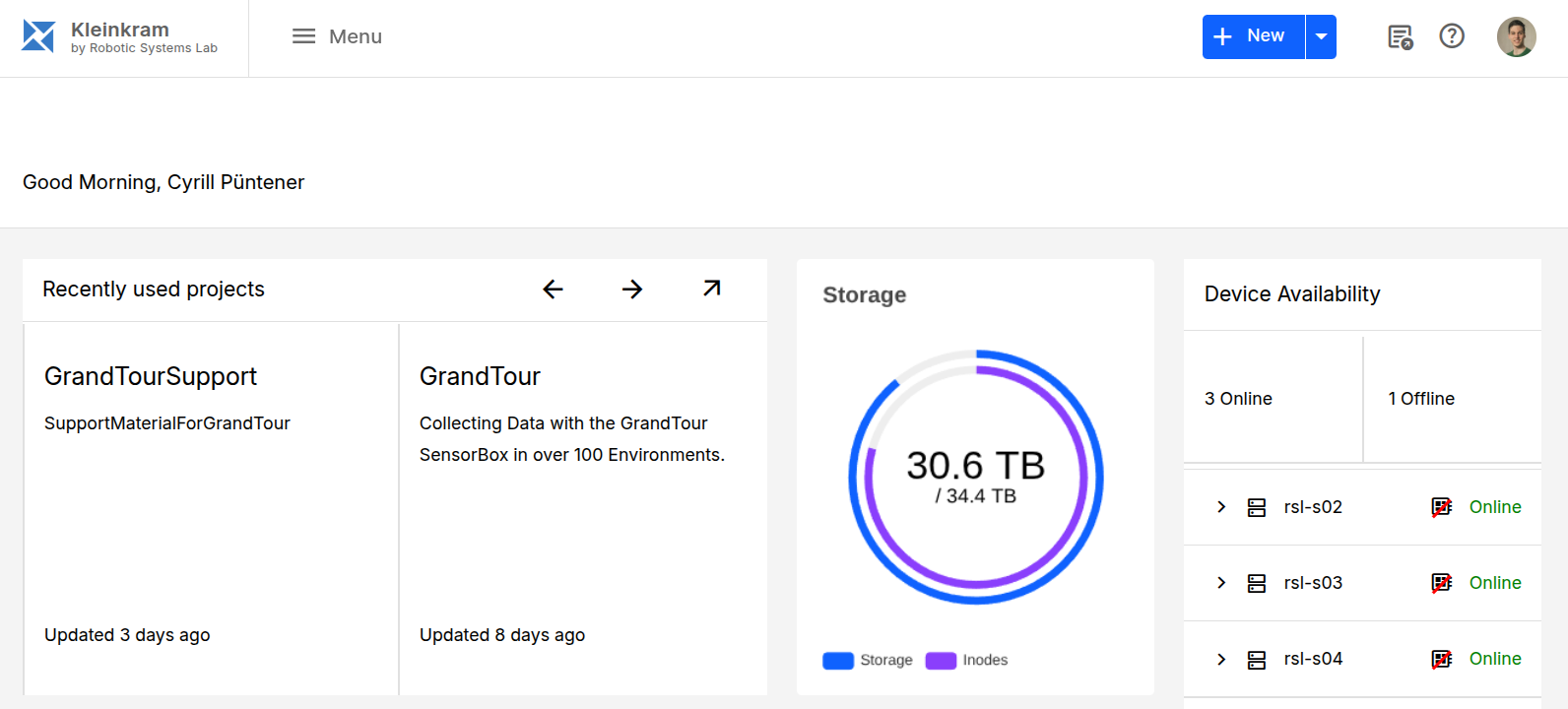
Core Concepts
Kleinkram organizes data in a three-level hierarchy: Project, Mission, and File.
Data Hierarchy
- Project: The top-level container. Projects are used to group related missions together. For example, a project could be "Field Testing 2024" or "Warehouse Logistics". Access control is typically managed at the project level.
- Mission: A specific data collection event or experiment. A mission belongs to exactly one project. For example, "Mission 1: Calibration Run" or "Mission 2: Obstacle Avoidance".
- File: The actual data files (e.g.,
.bag,.mcap,.db3,.yaml) collected during a mission. Files belong to exactly one mission.
Metadata and Categories
Kleinkram allows you to organize and search your data using metadata on missions and categories on files.
Mission Level: Metadata
You can add key-value pairs as metadata to missions. Each key is a metadata type, which defines the name and datatype (e.g. string, number, boolean, date, location) of a value; the value set on a mission is its metadata. This allows for powerful filtering and organization.
- Enforcement: You can enforce specific metadata keys at the Project level. This ensures that all missions within a project have consistent metadata (e.g., requiring a "Robot ID" or "Location" metadata type for every mission).
- Usage: Use this metadata to quickly find all missions performed by a specific robot or in a specific location.
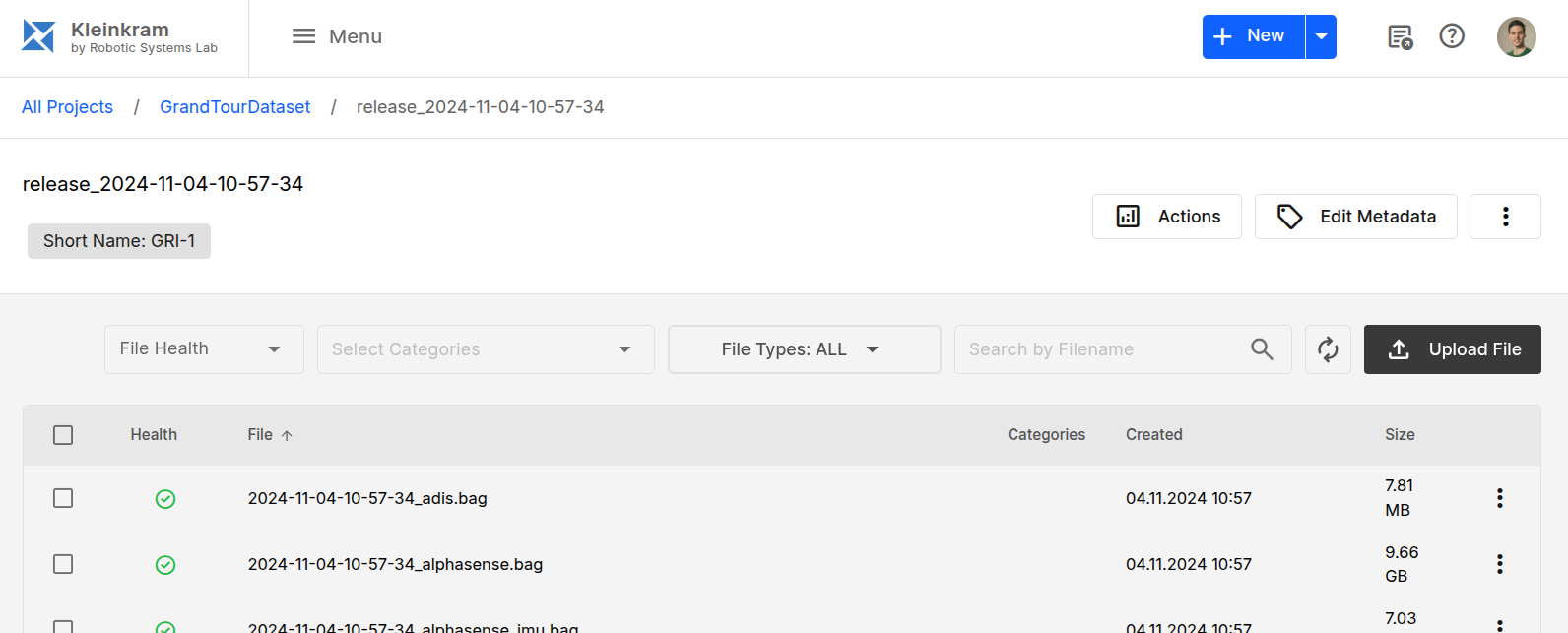
Example: GrandTourDataset
The GrandTourDataset uses the metadata type Short Name to identify the mission in addition to the mission name release_2024-11-04-10-57-34. This is useful for quickly identifying the mission in the Kleinkram UI.
File Level: Category Tags
At the file level, you can use Category Tags to label specific files.
- Usage: Tag files as
Raw Data,Processed,Calibration, orValidated. This helps in distinguishing between different types of data within the same mission. - Description: Each category can carry an optional description explaining which files belong into it. Descriptions are shown when selecting categories and as a tooltip on the category chips, and can be edited at any time in the Manage Categories tab of the category dialog.
Next Steps: Uploading Data
The primary way to upload data to Kleinkram is using the Kleinkram CLI.
Install the CLI:
bashpip install kleinkramAuthenticate:
bashklein loginUpload Data:
bashklein project create "My Project" --description "Data of my robot" klein upload -p "My Project" -m "Mission 1" --create ./data/*.bag
For more details on installation and usage, see the CLI Documentation.